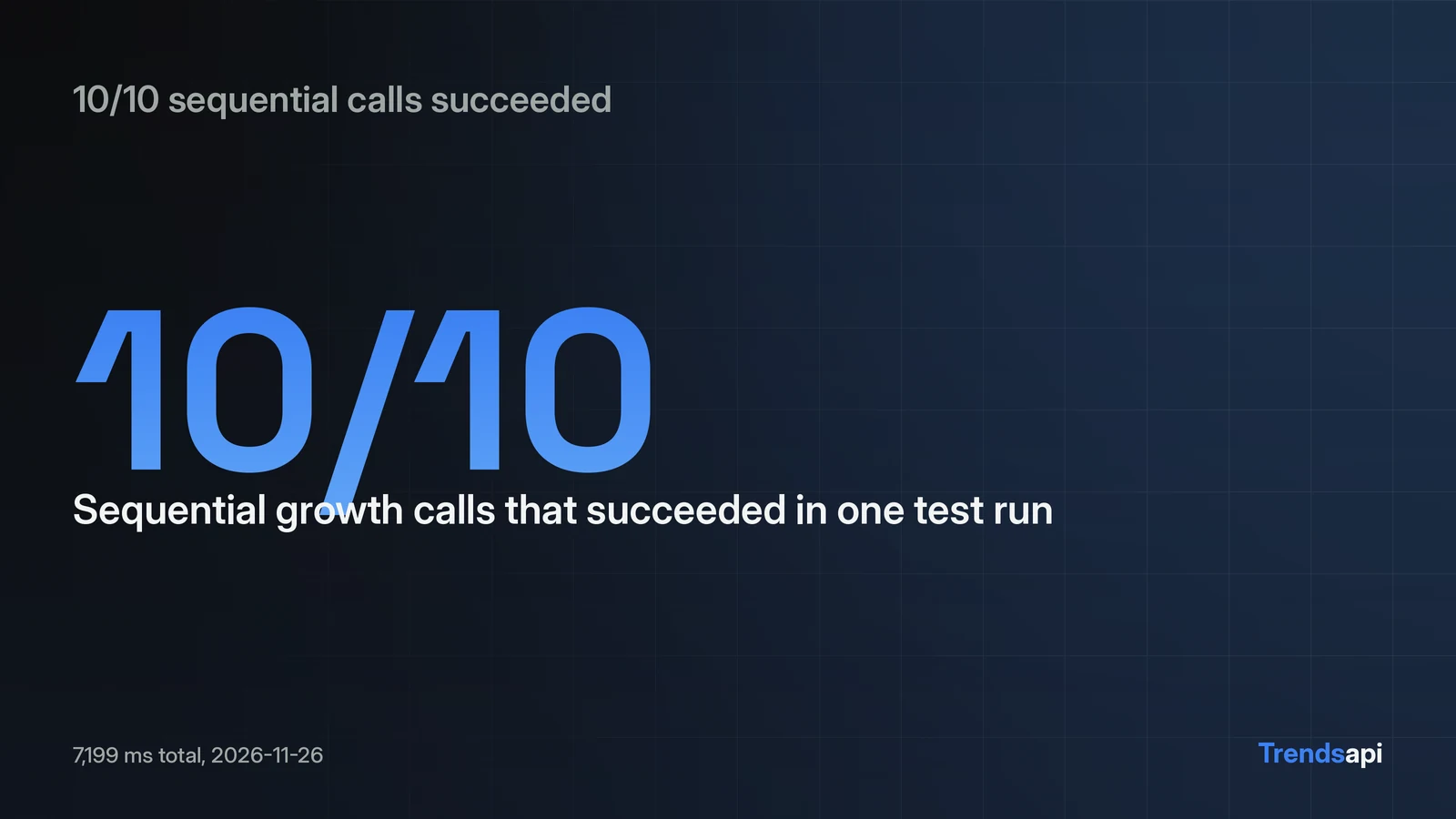
The Trends API reference documentation states no per-second or per-minute rate limit. The limit that binds in practice is a monthly pool of requests attached to the account. Only successful calls count against that pool, and failed calls are free. In a measured test on 2026-11-26, 10 sequential growth calls with no delay inserted all succeeded, in 7,199 milliseconds in total. Current pool sizes sit on the pricing page, because pool sizes change and belong in one place.
The binding limit is a monthly pool
The reference documentation describes every plan as a monthly pool of requests. A call that succeeds spends from the pool. A call that fails spends nothing. When the pool runs out, the API returns the error code monthly_limit_reached, and the message in that error carries links to buy credits or pick a plan.
Nothing in the reference documentation states a requests-per-second cap, a requests-per-minute cap, or a concurrency cap. That absence is the finding, and it has a limit of its own: an unpublished throttle could still exist. The measured test in this piece found no throttling at a pace of roughly one call every 720 milliseconds, sustained over 10 calls. A faster burst, or many parallel connections, sits outside what the test measured.
What one request buys
One combined get_growth call costs 1 request for every window requested. One get_time_series call returned 261 points in the test run and also costs 1 request. The table below lists the documented cost of each mode, as documented on 2026-11-26.
curl -X POST https://api.trendsmcp.ai/api \
  -H "Authorization: Bearer YOUR_API_KEY" -H "Content-Type: application/json" \
  -d '{"mode": "get_growth", "keyword": "nike", "source": "Google Search", "percent_growth": ["1M", "3M", "12M"]}'
| Mode | Documented cost |
|---|---|
get_time_series |
1 request per call |
get_growth |
1 request per call, every window included |
get_top_trends |
1 request per call over REST; 1 request per 10 rows over MCP |
get_context |
1 request per source; REST takes one source per call |
get_top_posts |
1 request per call |
get_usage |
Free, MCP only |
The practical consequence: asking for three growth windows in three separate calls spends 3 requests for the same answer one combined call gives for 1. The docs list the window presets and the full parameter set for each mode.
Measured behavior on 2026-11-26
Three growth calls, each asking for the 1M, 3M and 12M windows on Google Search, completed in about a second each. Each call reported 261 total data points and 3 completed calculations, with every calculation marked successful.
| Keyword | Elapsed | Windows | Data points |
|---|---|---|---|
| thanksgiving | 1,030 ms | 1M, 3M, 12M | 261 |
| cyber monday | 868 ms | 1M, 3M, 12M | 261 |
| black friday | 851 ms | 1M, 3M, 12M | 261 |
A second test sent 10 identical growth calls for the keyword nike, window 12M, back to back, with no sleep between calls. All 10 succeeded. Total elapsed time was 7,199 milliseconds, an average of about 720 milliseconds per call, and no throttling response appeared. Timings include network round trips from one machine on one day, so the numbers describe that test, not a service guarantee.
Errors return inside a 200 envelope
The reference documentation states that REST calls answer with HTTP 200 and an envelope of the form {"statusCode": 400, "body": "..."}. The statusCode field inside the envelope carries the real result, and the body field is a JSON string that needs a second parse. Code that checks only the HTTP status will read every failure as a success.
A probe in the test run sent get_top_trends without the required type parameter. The API answered with the error code invalid_request and a message naming the missing parameter and listing the valid board names. Per the reference documentation, that failed call cost nothing. The error reference covers the remaining codes, including monthly_limit_reached, invalid_api_key and source_unavailable. Readers arriving from the Google Trends interface face a different limit shape, covered on the Google Trends API rate limits page.
A client pattern that respects the pool
Four habits keep a client inside the documented pool. Combine windows into one growth call. Cache time series results between weekly points, since the measured series returned points spaced 7 days apart and the documentation describes weekly points for most sources. Check statusCode before parsing body. Treat source_unavailable as a retry-later signal and monthly_limit_reached as a stop signal, not a retry signal.
import json
import requests

def call(payload):
    r = requests.post(
        "https://api.trendsmcp.ai/api",
        headers={"Authorization": "Bearer YOUR_API_KEY"},
        json=payload,
        timeout=30,
    )
    envelope = r.json()
    body = json.loads(envelope["body"])  # body is a JSON string; parse it again
    if envelope["statusCode"] != 200:
        return None, body.get("error", "unknown_error")
    return body, None

# One request returns all three windows.
result, error = call({
    "mode": "get_growth",
    "keyword": "nike",
    "source": "Google Search",
    "percent_growth": ["1M", "3M", "12M"],
})
if error == "monthly_limit_reached":
    raise SystemExit("Monthly pool exhausted; check the account before retrying")
Authentication failures return invalid_api_key and also cost nothing. The authentication page shows the header formats the API accepts.
Sizing a workload against the pool
Pool arithmetic follows directly from the counting table. Tracking growth for 20 keywords across 3 windows costs 20 requests when each keyword takes one combined call, and 60 requests when each window takes its own call. The answers match; only the spend differs. A dashboard that refreshes a weekly series for 50 keywords spends 50 requests a week, or 200 requests across 4 weeks, before any growth or context calls enter the budget. A daily pull of one top trends board over REST spends 30 requests across 30 days.
These examples use only the documented per-call costs, so a team can price a workload on paper before writing code: count distinct keywords, multiply by calls per keyword, then compare the total with the pool on the pricing page. The two multipliers that shrink fastest are window combining and caching between weekly points. Context calls deserve separate care, because REST takes one source per call, so a five-source context check on one keyword spends 5 requests where one growth call spends 1.
What remains unknown
The documentation settles the counting rules and stays silent on burst behavior. The test in this piece covered sequential calls at a moderate pace from one key. It did not test parallel connections, sustained high volume, or behavior near the end of a monthly pool. A production client that needs a guaranteed burst rate has one reliable route: ask support for the number in writing, then design retry and caching behavior around the answer. Until then, the safe design target is the documented limit, the monthly pool, with get_usage over MCP reporting what remains.