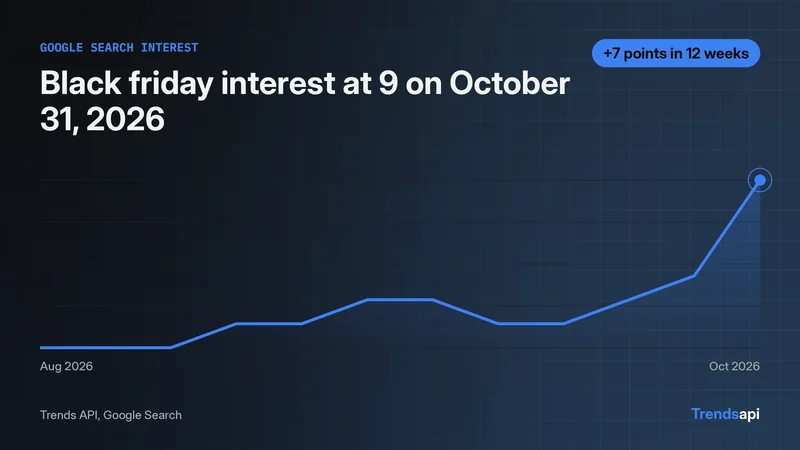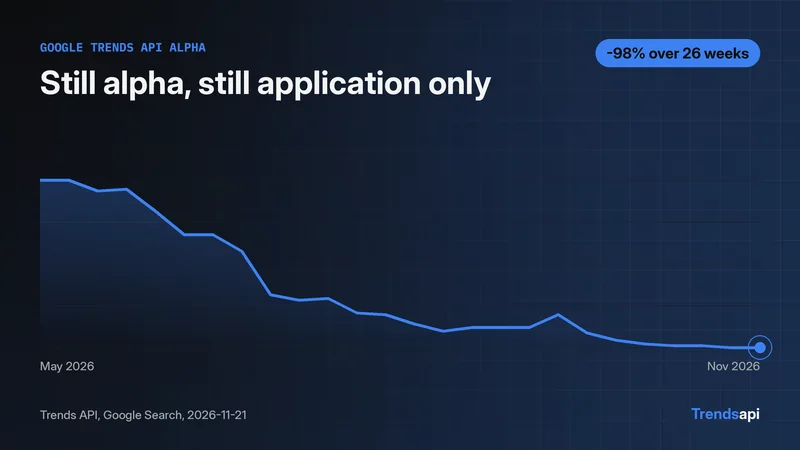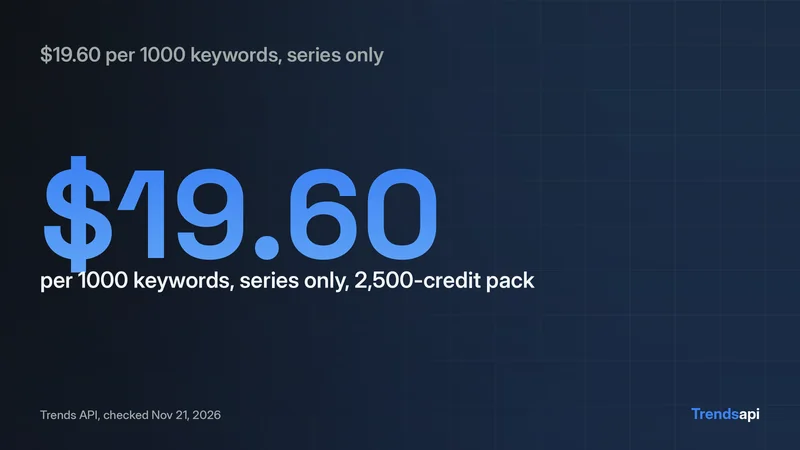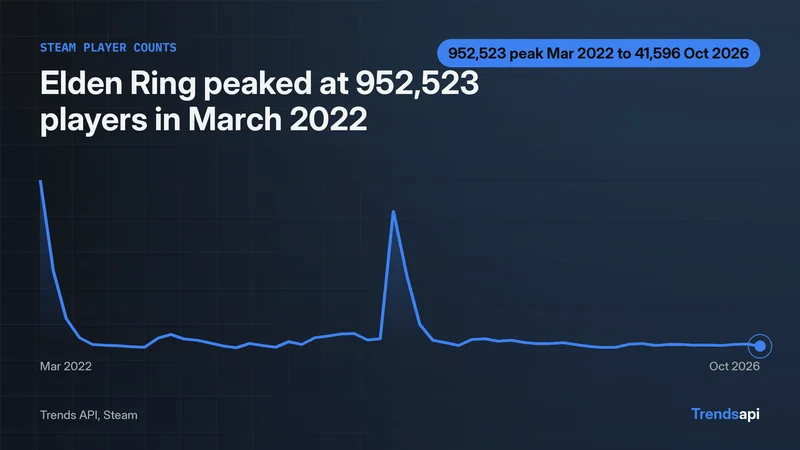
Parse the Trends API response twice in Python. The HTTP response is JSON with two fields, statusCode and body, and body holds a JSON string, not a list. A call to get_time_series for "black friday" on Google Search returned HTTP 200 with statusCode 200 and a body string of 27,955 characters. A second json.loads on that string gives a list of 261 rows, each a dict with date, value, keyword and source keys. The first row is 2021-11-06 with value 16.0 and the last is 2026-10-31 with value 9.0. Check statusCode first, parse body a second time, then check the result is a list of dicts with date and value keys. Skip the second parse and the code reads characters, not rows. A missing or invalid key returns HTTP 403 with error invalid_api_key.
The envelope holds a string, not a list
The call is a POST to https://api.trendsmcp.ai/api with a JSON body naming the mode, the keyword, and the source. For this piece the call asked for get_time_series, keyword black friday, source google search, with a bearer key in the Authorization header. The response arrived as HTTP 200. The outer JSON has two fields: statusCode, which read 200, and body, which held a string of 27,955 characters. That string is the whole time series, encoded a second time. Nothing in the outer object is a row of data, so code that reads envelope["body"] as a list reads a string by mistake.
Parse twice: the helper that ran
The helper below ran against the live API in this run and printed 261 rows. It is the whole parser: post the call, parse the outer JSON, check statusCode, parse the body string a second time, and validate every row.
import json
import os

import requests

API_URL = "https://api.trendsmcp.ai/api"


class TrendsApiError(Exception):
    pass


def fetch_time_series(keyword, source):
    """Return the parsed time series for one keyword on one source."""
    key = os.environ["TMCP_API_KEY"]
    resp = requests.post(
        API_URL,
        json={"mode": "get_time_series", "keyword": keyword, "source": source},
        headers={
            "Authorization": "Bearer " + key,
            "Content-Type": "application/json",
        },
        timeout=60,
    )
    if resp.status_code != 200:
        raise TrendsApiError(
            "HTTP %s: %s" % (resp.status_code, resp.text[:200])
        )
    envelope = resp.json()
    if envelope.get("statusCode") != 200:
        raise TrendsApiError(
            "API statusCode %s: %s"
            % (envelope.get("statusCode"), envelope.get("body", "")[:200])
        )
    body = envelope["body"]
    # The body is a JSON string to parse again.
    if isinstance(body, str):
        rows = json.loads(body)
    else:
        rows = body
    if not isinstance(rows, list):
        raise TrendsApiError(
            "Expected a list of points, got %s" % type(rows).__name__
        )
    for row in rows:
        if not isinstance(row, dict) or "date" not in row or "value" not in row:
            raise TrendsApiError("Bad row shape: %r" % (row,))
    return rows


rows = fetch_time_series("black friday", "google search")
print("rows:", len(rows))
print("first row:", rows[0])
print("last row:", rows[-1])
Five steps carry the work. First, the POST sends mode, keyword, and source. Second, resp.json() parses the outer envelope. Third, the code checks statusCode and raises TrendsApiError when it is not 200. Fourth, json.loads parses the body string a second time, unless the body already arrived as a list. Fifth, every row must be a dict with date and value keys, or the helper raises with the bad row shown. The helper also raises on a non-200 HTTP status, so a 403 never reaches the parser as data. The key comes from the environment and never appears in the code or the output.
What the parsed rows look like
The second parse returned a list of 261 rows. All 261 were checked: every row is a dict with the same four keys, date, value, keyword, and source, and no volume key appeared in any of them. The rows below come from the call run on 2026-11-14.
| Date | Value | |
|---|---|---|
| First row | 2021-11-06 00:00:00+00:00 | 16.0 |
| Last row | 2026-10-31 00:00:00+00:00 | 9.0 |
| Rows | 261 |
Dates carry a time and a timezone offset, so code that slices the first ten characters gets the calendar date. Values are numbers on a 0 to 100 index. The keyword and source fields repeat the request in every row. A row that lacks date or value fails validation at once.
The rows arrive oldest first, so rows[0] is the earliest week and rows[-1] is the latest. That order makes a first and last read trivial: no sort step is needed before a chart or a range check. All 261 date strings share the same shape, so sorting by the date field returns the same order the API sent. A reader who only needs the calendar date can slice the first ten characters, which gives 2021-11-06 for the first row and 2026-10-31 for the last.
What breaks when the second parse is skipped
Skip the second json.loads and the program still runs. It reads characters instead of rows, and nothing complains until the numbers look wrong. The run printed the evidence:
type(body)   # str
len(body)    # 27955
body[0]      # '['
len(body) counts characters, not rows: 27,955 against the real 261. body[0] is the opening bracket of the JSON text, not the first row. A loop over body hands out one-character strings. Indexing body[0] gives "[" where the code expects a dict, so row["date"] raises a TypeError. The fix is one call, json.loads(body), placed after the statusCode check and before any row is read.
When the key is wrong, the shape changes
A call with a bad key did not return the envelope at all. It returned HTTP 403 with a plain JSON object:
{"error": "invalid_api_key", "message": "Invalid API key."}
The code means the key on file is wrong, most often because it was typed wrong, it is missing, or it was regenerated. The helper raises TrendsApiError on any non-200 HTTP status, so the 403 stops the run with the status and the first 200 characters of the response instead of flowing into the parser. Request limits sit on the pricing page. A 403 is an auth problem, not a parse problem: no change to the parser fixes a bad key.
One helper for every time series call
Change the keyword and source arguments and the same helper serves any time series call: the envelope, the double parse, and the row checks stay the same. The isinstance check on body covers the case where a response already returns the list directly, so the helper does not parse twice when there is nothing left to parse. The helper stays short on purpose: it parses, it checks, and it returns rows. Charting, growth math, and storage belong in the caller, where a reader can see each step. An earlier tutorial tours several modes with a different keyword; this piece stays on parsing, and the two read together. Once rows parse, normalizing them is the next step.